
Google Reviews are a big deal for any business. Here’s why: when someone needs to buy something or get a service, they often go online and check out reviews first. A business that has good ratings and positive reviews catches people’s eyes and trust quickly. It’s like having a bunch of friends all saying, “This place is awesome!”
But there’s more to it than just looking good. These reviews help a business show up higher in Google search results. When a business has many positive and recent reviews, Google thinks, “This place is happening,” and shows it to more people. This way, a business can become more visible online without spending lots of money on ads.
And here’s a cool part: it’s not just about collecting lots of reviews. When businesses reply to their reviews, it shows they really care about their customers’ opinions. This kind of conversation can make customers feel special and listened to, and that’s a big win.
Even the occasional negative review can be a chance to shine. A smart, kind response can show everyone that a business is dedicated to making things better when they go wrong.
So, in general, Google Reviews aren’t just simple feedback; they’re powerful tools that can help a business grow and thrive, all by letting happy customers do the talking!
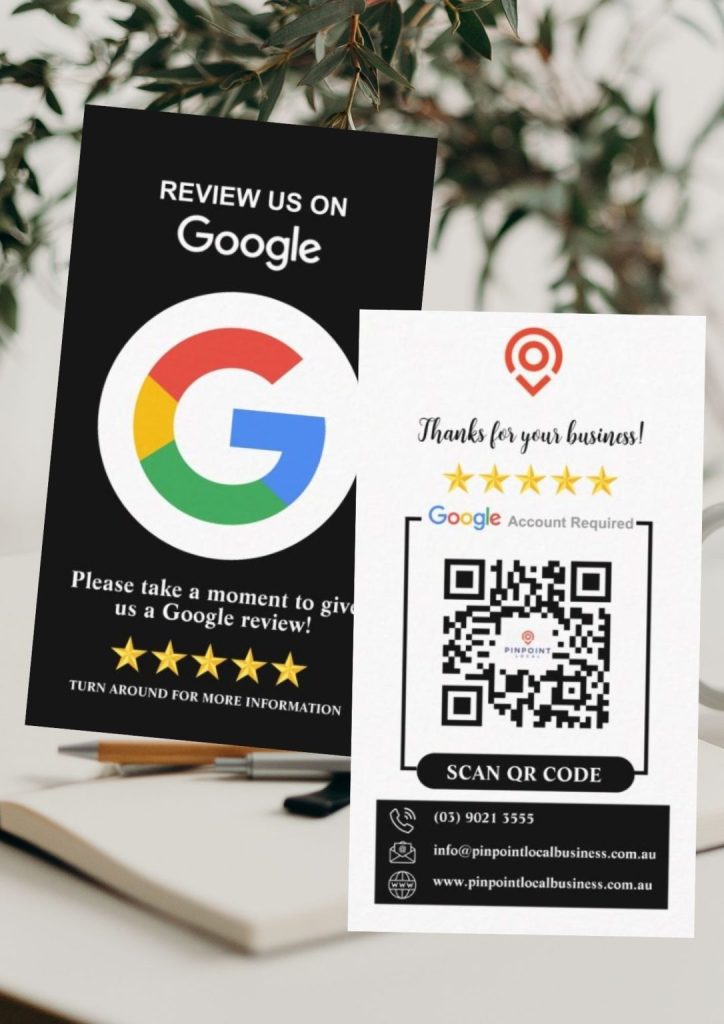
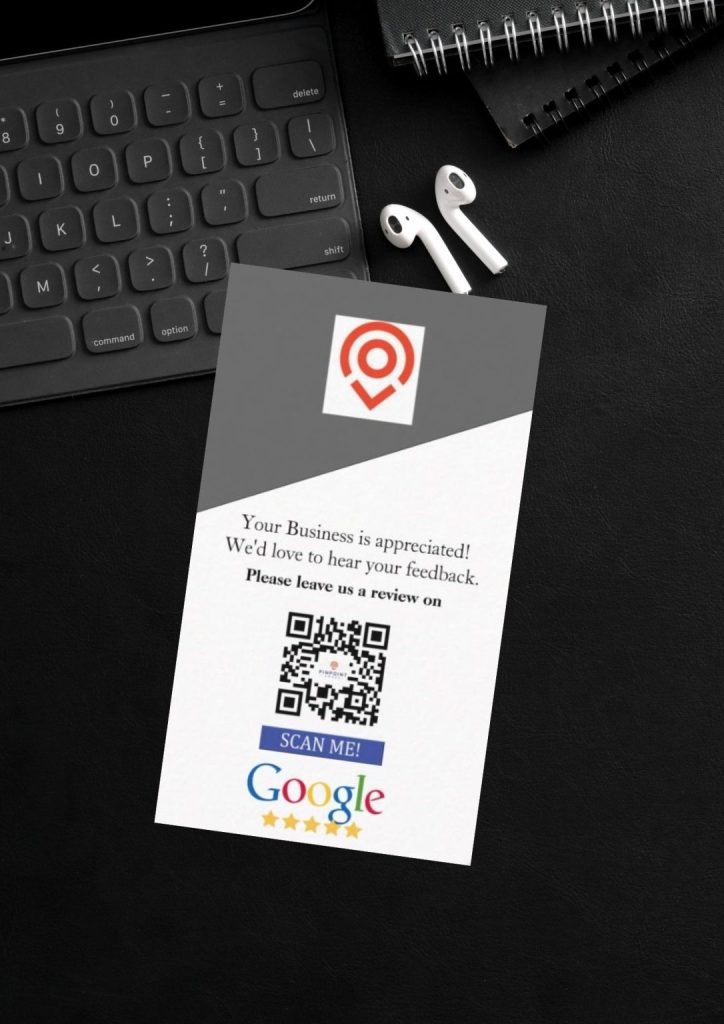
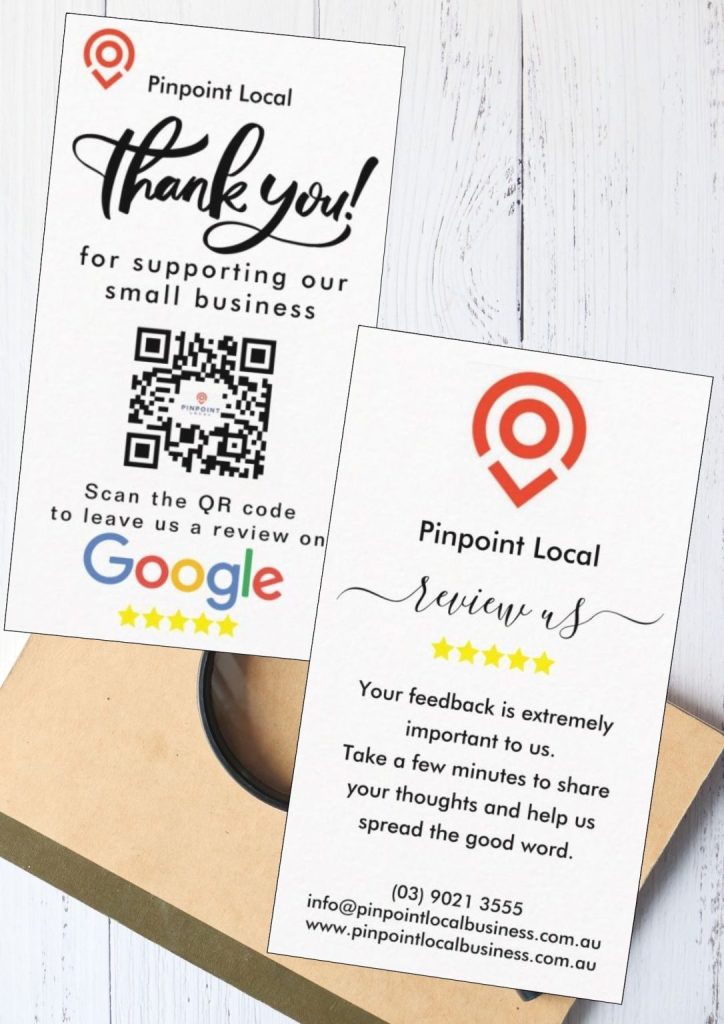
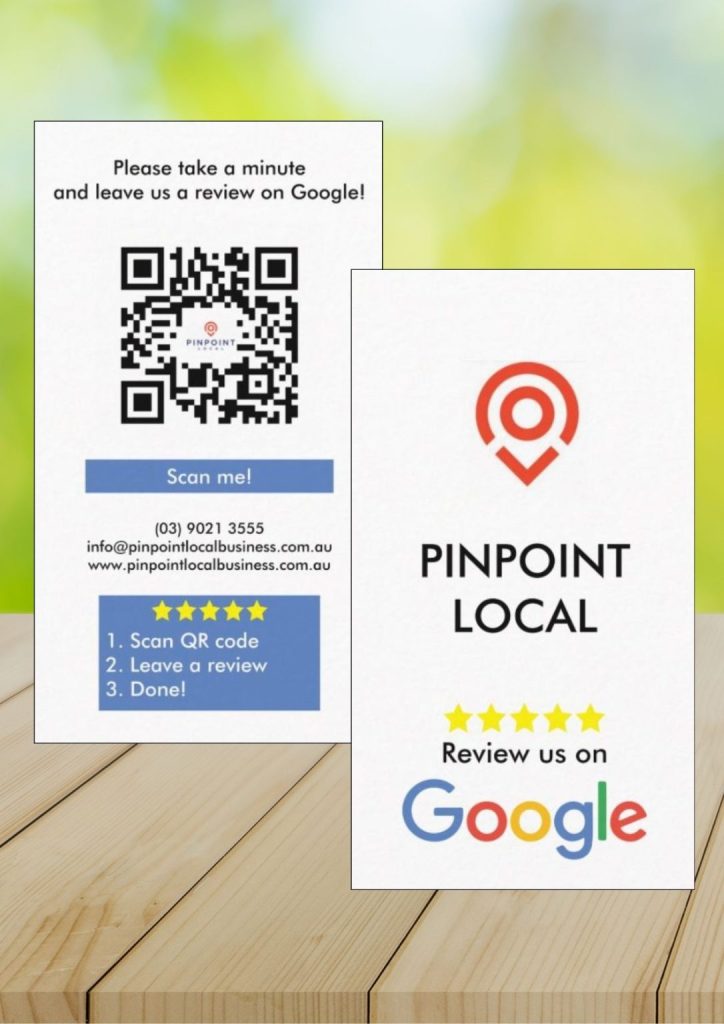
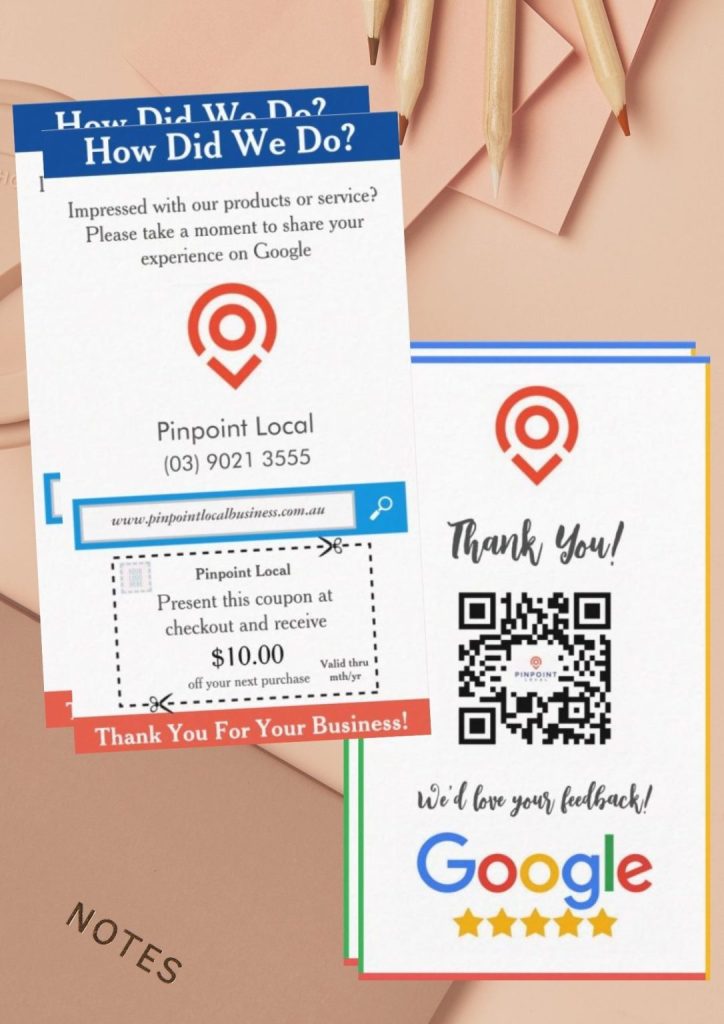
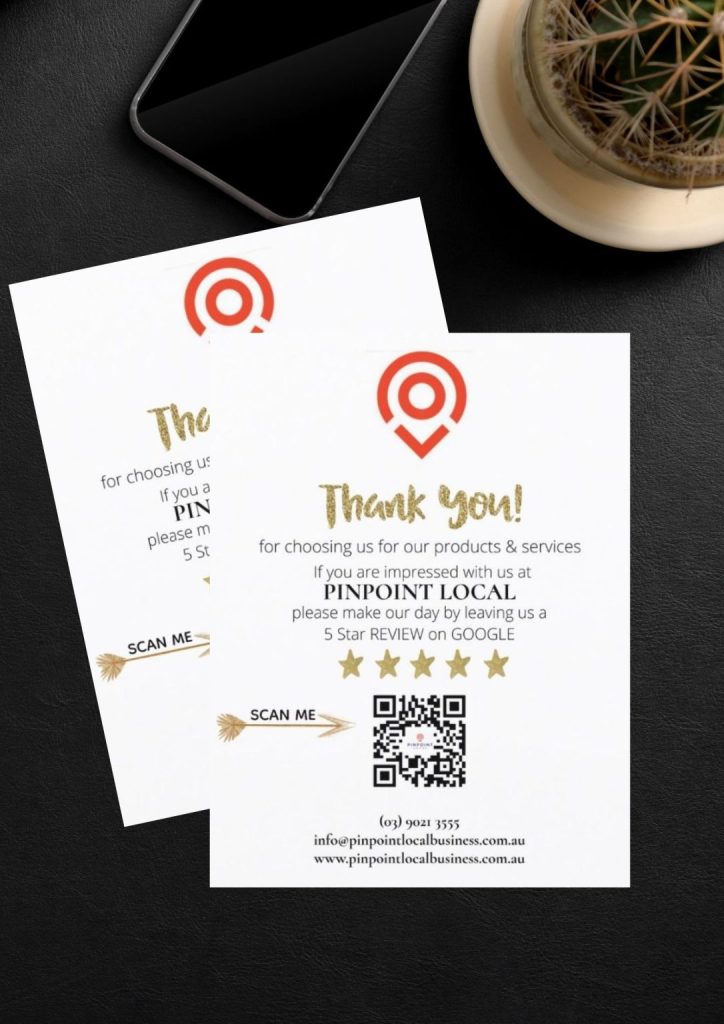
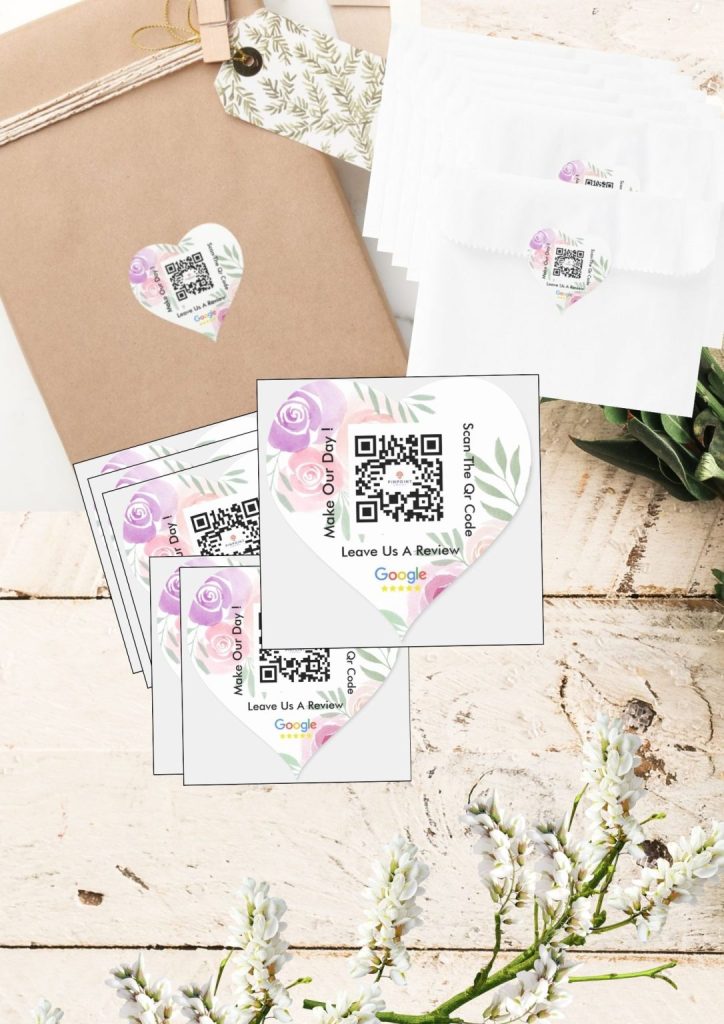
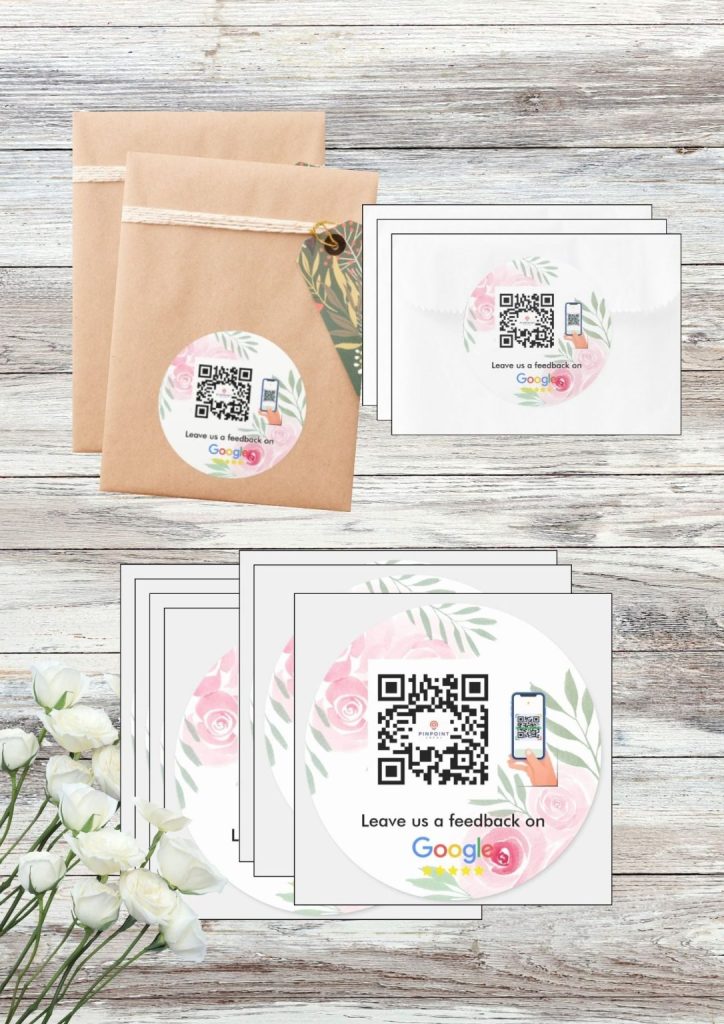
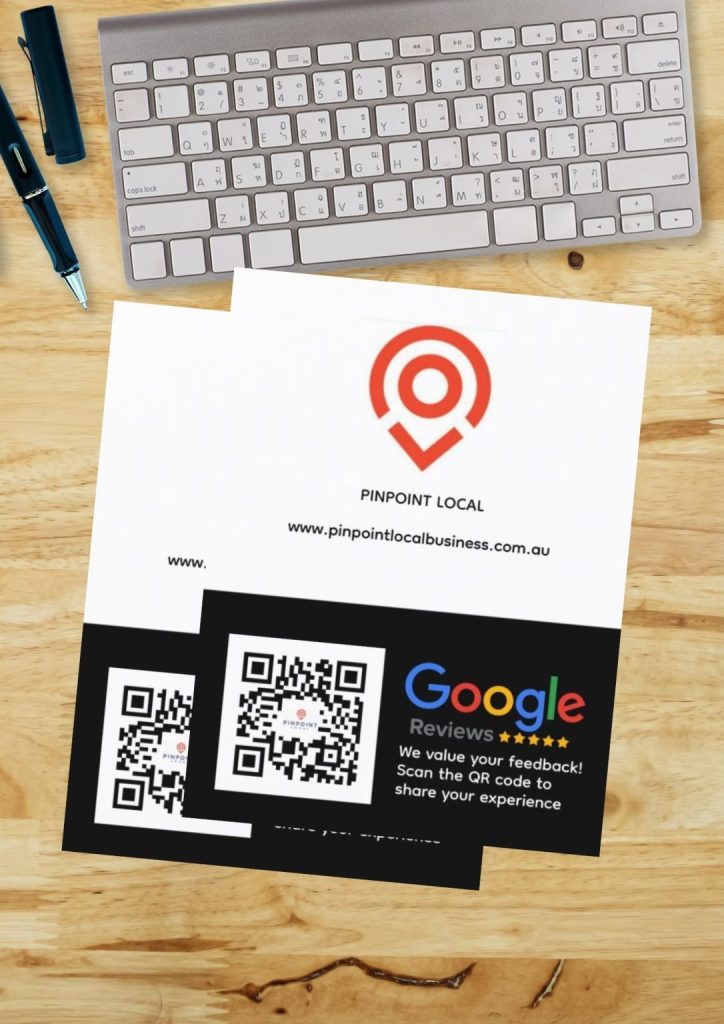
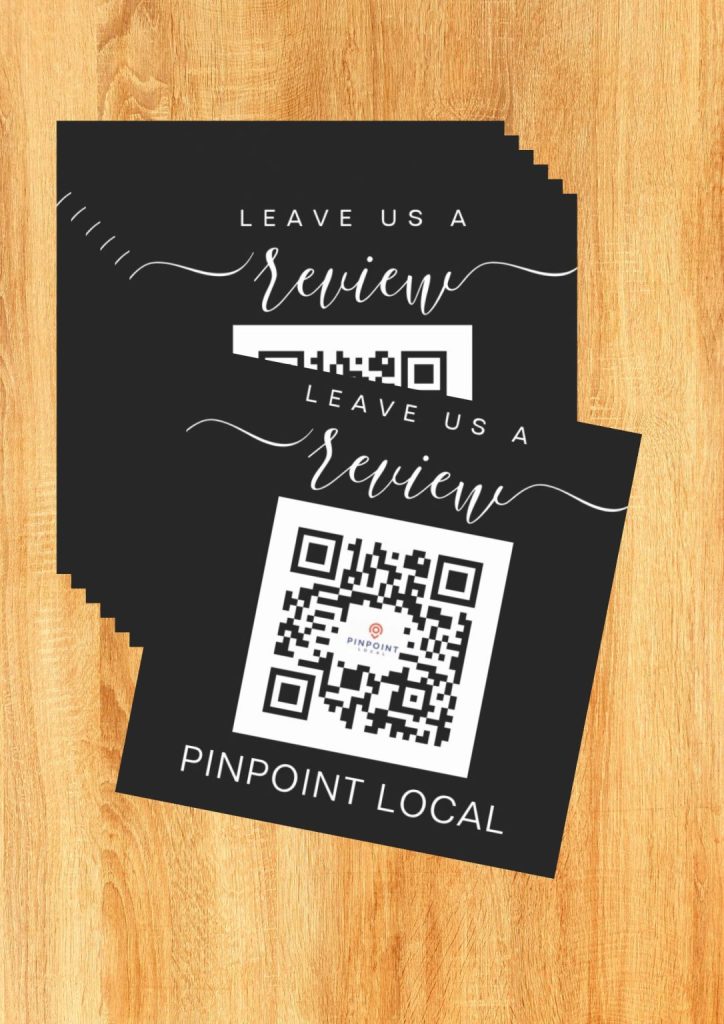
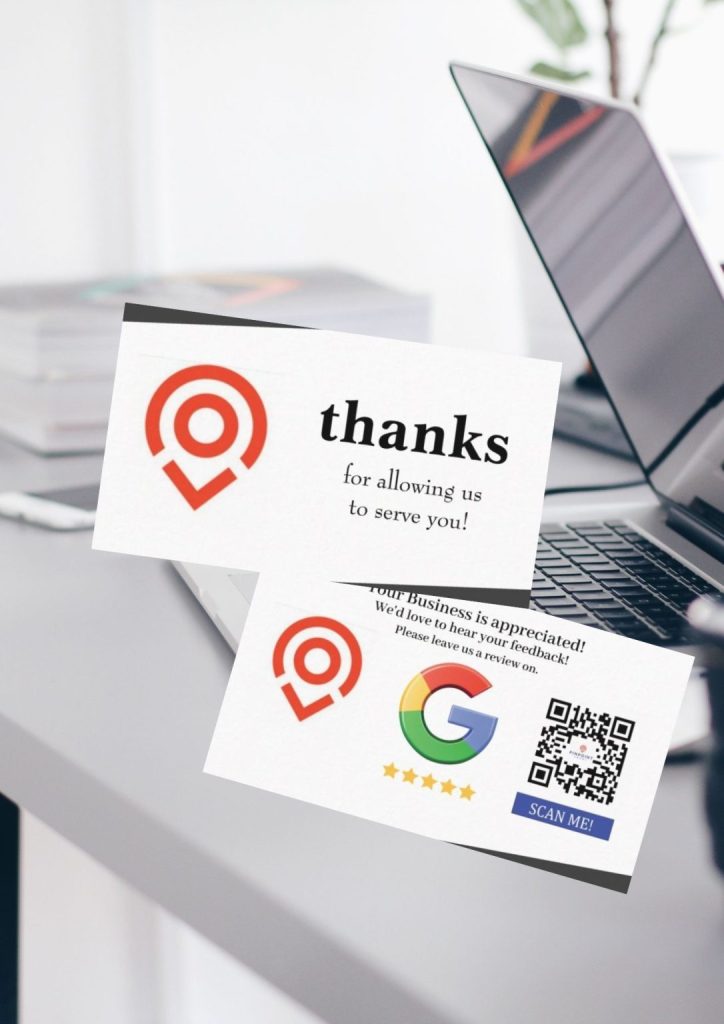
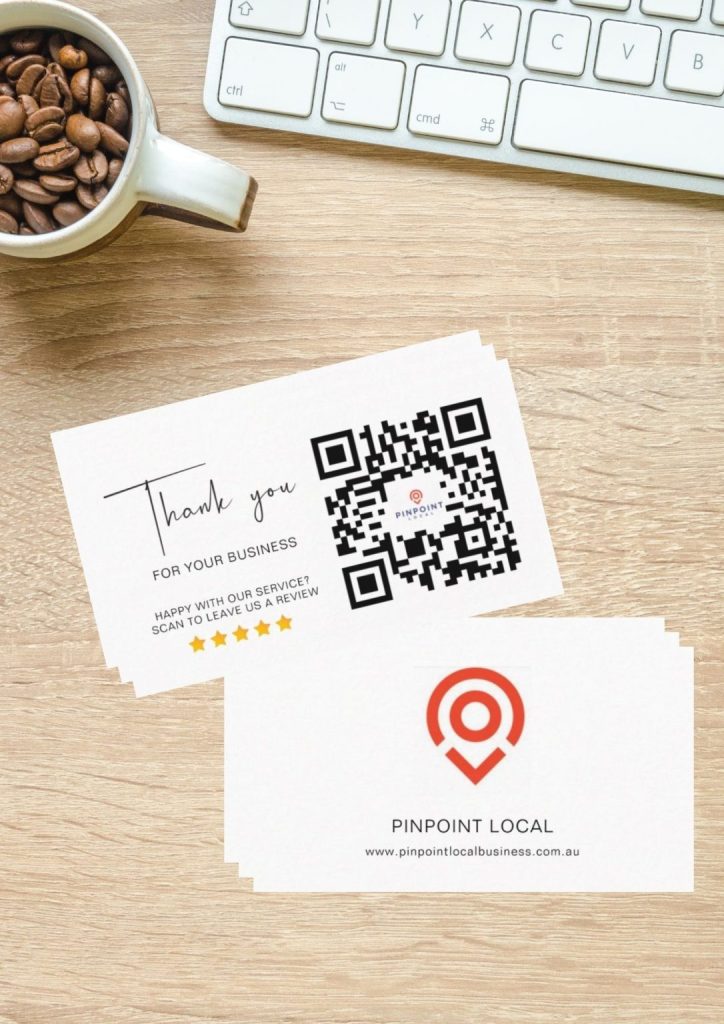
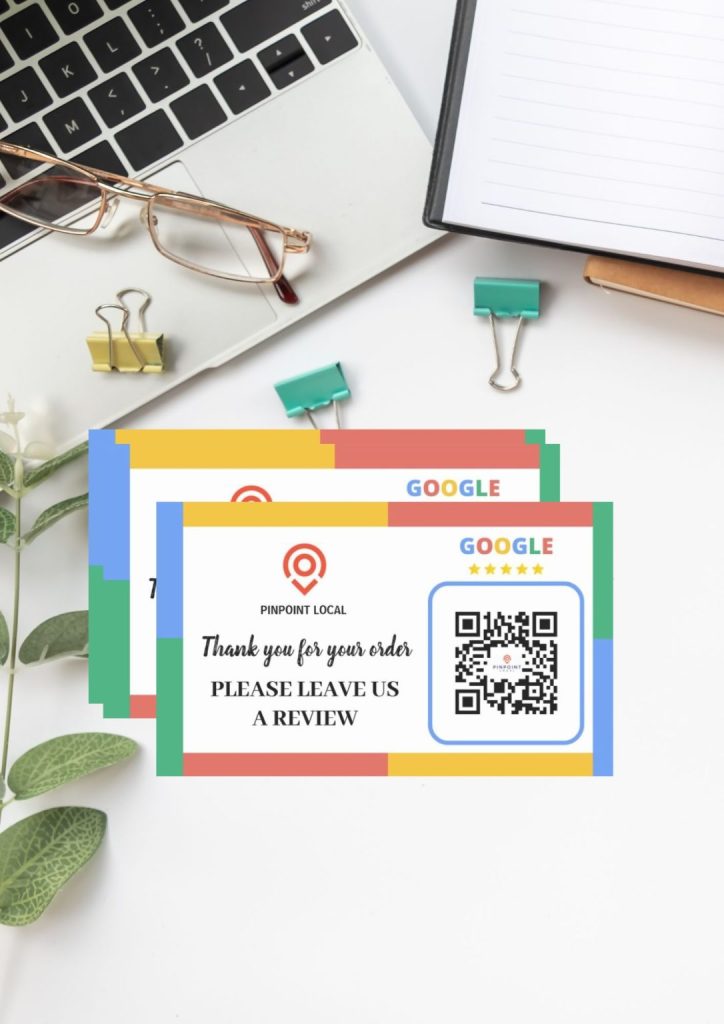
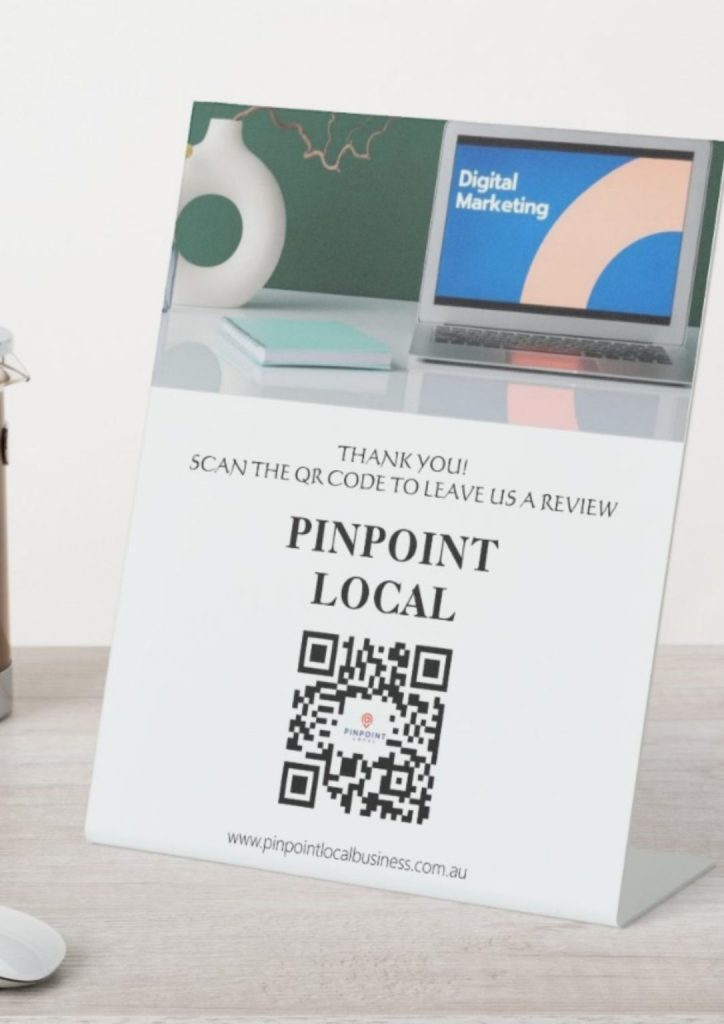
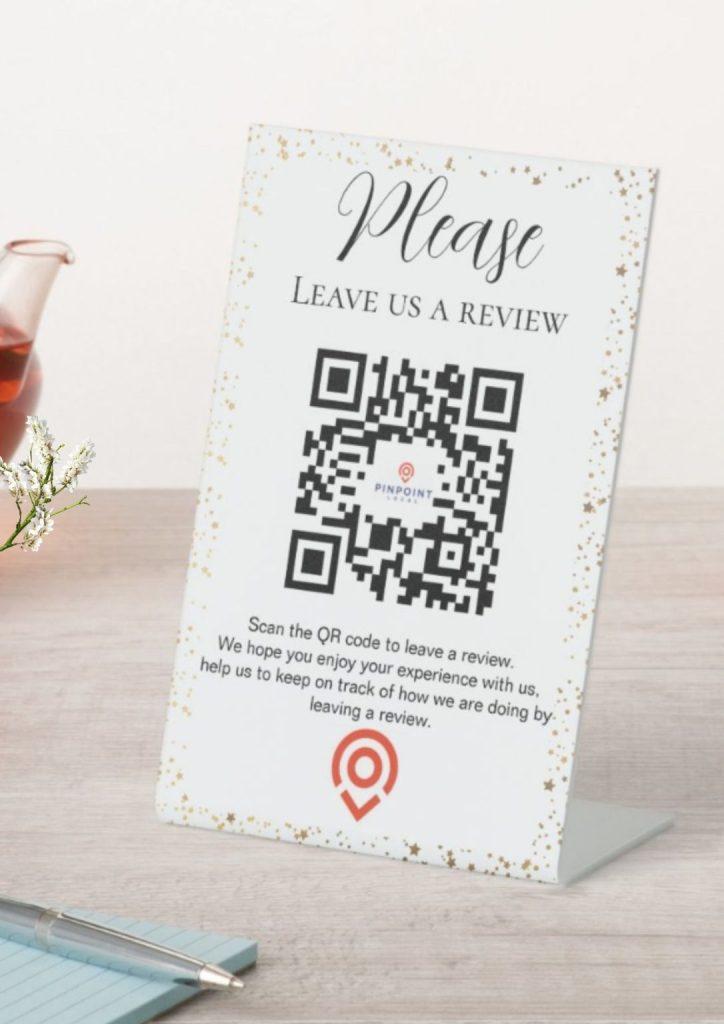
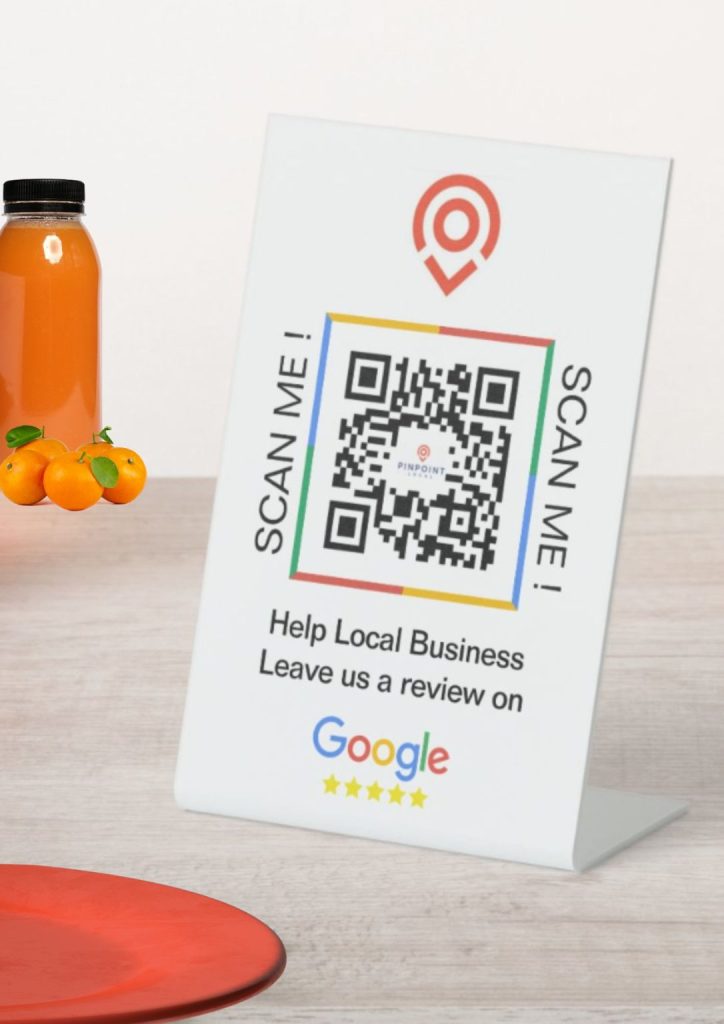
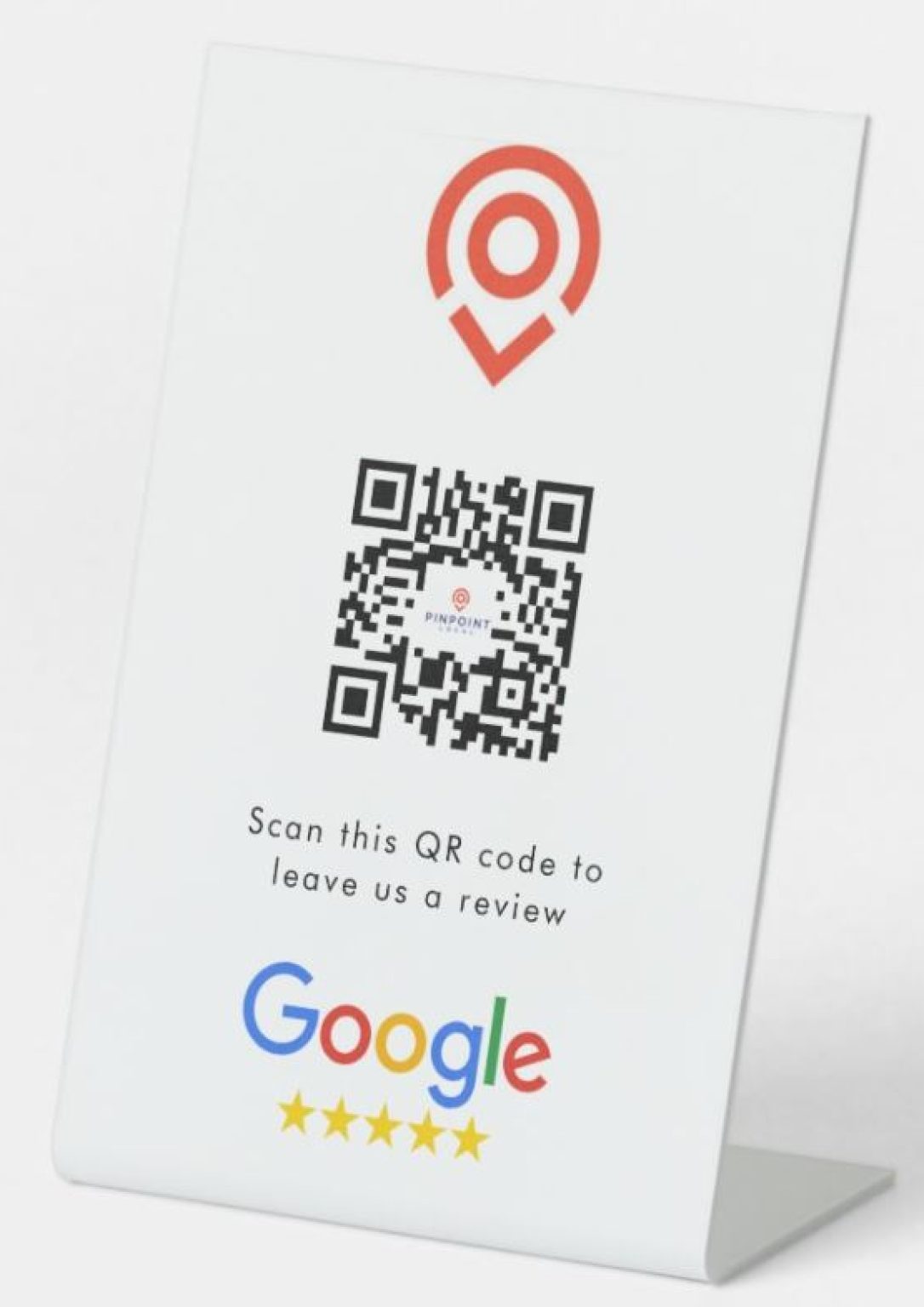
Pinpoint Local knows that Google Reviews can really help your business shine. That’s why we use simple stuff like postcards and stickers with QR codes to get more reviews.
Here’s how it goes: after a customer buys something, you give them a postcard. Also, there are stickers on the products they bought. These items have a special QR code. The customer just needs to use their phone to scan the code, and just like that, they can leave a Google review right then and there. It’s their chance to tell everyone how awesome your business is without any trouble.
Having these postcards and stickers does a couple of important things: they help customers remember to spread the word about their good experiences, and they prove that you really value their opinions. It’s like saying, “Hey, we hope you loved our service. Please share your thoughts!”
What’s great about this? It’s so easy. Scanning a QR code is something anybody can do with a phone, and it’s fast. Also, when more people leave nice reviews, your business appears higher on Google. This brings more customers your way without you needing to spend more on ads.
So, with Pinpoint Local, collecting those shining stars on Google is no sweat at all. It’s all about turning happy customers into your online cheerleaders!
Leaving Google Reviews through QR codes on postcards and stickers is a modern, user-friendly way to encourage feedback from your customers. Here’s a step-by-step guide on how customers can do it:
Receive Postcard/Sticker: First, the customer gets a postcard or sees a sticker, often given with their purchase or attached to the product, with a unique QR code directing them to your business’s Google Reviews page.
Open Camera App: The customer takes out their smartphone and opens the camera app. Most smartphones have a built-in QR code scanning feature within the camera.
Scan QR Code: They’ll hold their device over the QR code, positioning the code in the camera’s view. The camera app should recognize the QR code within a few seconds.
Tap the Notification: After the QR code is scanned, a notification will pop up on the screen, usually at the top. The customer taps this notification, and it will direct them to the internet browser or Google Maps app.
Find the Review Section: The link will take them directly to the review section of your business profile on Google. They may need to scroll down a bit to find the “Write a Review” button.
Write the Review: They’ll then click on “Write a Review,” where they can select a star rating and write down their thoughts about their experience with your business. They should be encouraged to be as detailed as they wish to help others understand their experience.
Post the Review: After writing their review and checking for any typos or additions, the customer will click “Post” to share their feedback with the world.
Confirmation: Once posted, they might see a thank you message or confirmation, letting them know the review is live and that their feedback is valuable.
Boost SEO with social media—share engaging content, embed links, foster collaboration, and post consistently to grow traffic.
Boost your Melbourne cafe’s online visibility with local SEO—optimize GBP, use local keywords, and attract more customers.
Build a strong online foundation with Google Business Profile, reviews, and local SEO to grow your Melbourne business.
Avoid common Google My Business mistakes! Fix duplicates, NAP issues & missing reviews to boost your Melbourne local SEO rankings.

Optimize your Google Business Profile service features to boost local SEO, rank higher, and convert more Melbourne customers.
Boost local SEO with Google Reviews – attract more customers, build trust, and grow your Melbourne business online.